Managing customer feedback and support across channels with too many separate tools makes context sharing and reproducible bug reports difficult for product teams. Most in-app feedback and support platforms lock advanced automation, session context, or developer integrations behind paid plans or require complex manual setup. This comparison shows which competitor fits your session replay, workflow integration, and AI automation needs without extra engineering or unpredictable pricing.
Table of Contents
Coevy
At a Glance
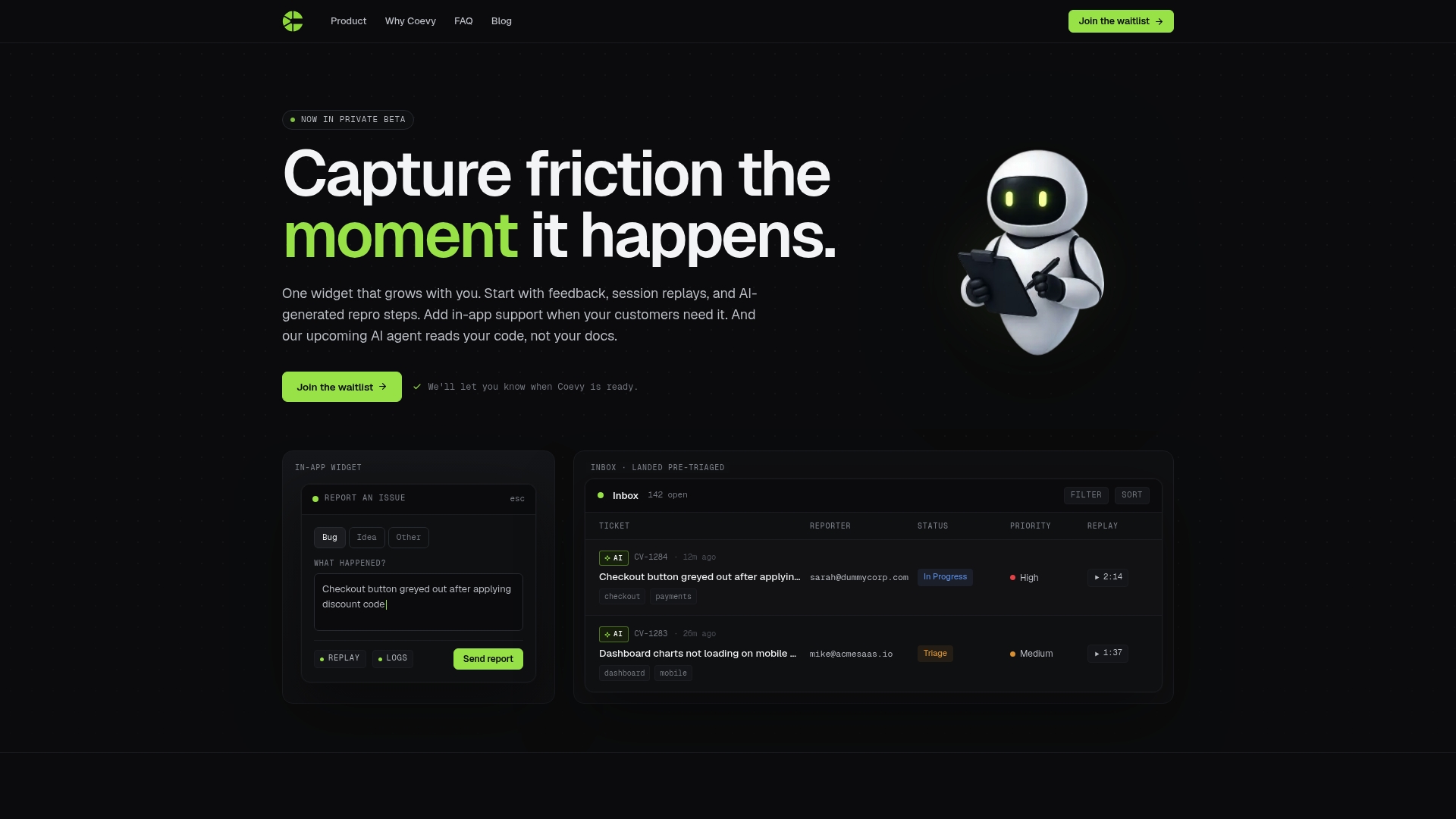
Currently in private beta, Coevy captures customer feedback, session replays, logs, and AI-generated retro steps inside a single in-app widget. The vendor advertises GDPR-compliant data handling. That mix targets product teams that want contextual bug reports without adding separate tools.
Core Features
Coevy embeds a feedback widget for bug reports, feature requests, and NPS while recording session replay data with logs and network requests. The widget attaches AI-generated retro steps to reports and creates pre-triaged tickets with AI tagging and prioritization. An upcoming codebase-aware AI agent is listed as a planned feature.
Key Differentiator
A single, scalable widget that ties session replay, logs, and AI-generated retro steps directly to support tickets sets Coevy apart. The vendor also highlights a forthcoming code-reading AI agent to answer support queries using actual source code.
Pros
Coevy reduces tool sprawl by keeping feedback, replays, and issue reports inside the app. Automated retro steps and AI tagging reduce the time developers spend reproducing and prioritizing bugs, and in-app interactions cut down on long email threads. Privacy controls such as field masking and IP anonymization support that compliance claim and make the widget suitable for GDPR-sensitive environments.
Cons
- AI support that reads code is currently in preview and not yet widely available.
Who It's For
Product teams and developers at growth-stage companies who need in-app support and feedback tools will find Coevy relevant. Teams that require session context, network logs, and automated reproduction steps for faster bug fixes will benefit most. Product managers who want integrated user insight without switching tools will also gain value.
Unique Value Proposition
Capturing session replay, network logs, and AI-generated retro steps directly in one ticket reduces manual repro work for engineers. That setup shortens the feedback loop between support and development by attaching exact session context to issues. For teams moving from email threads to embedded reporting, Coevy replaces several one-purpose tools with a single widget and automated triage.
Real World Use Case
A SaaS startup uses Coevy to let customers report bugs inside the app. Each report includes a replay, logs, and automated retro steps so engineers get reproducible context immediately. The team spends fewer hours chasing missing steps and closes issues faster during sprints.
Pricing
Pricing is not publicly listed. Coevy remains in private beta and the vendor has not published tiers or a starting price. Teams interested in early access should contact the vendor for availability and pricing details.
Website: https://coevy.com
Chatwoot
At a Glance
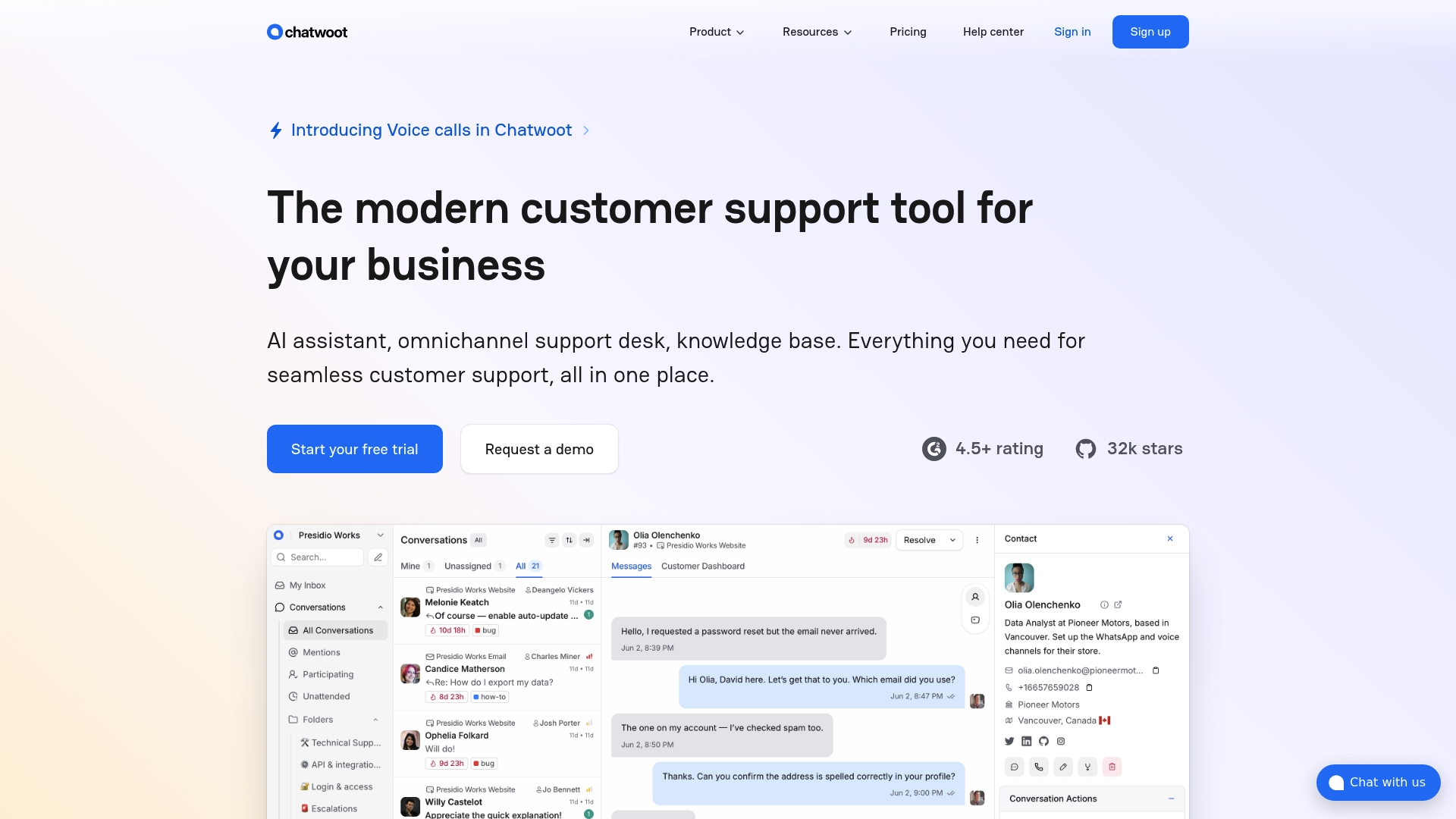
You can host the entire system on your own servers and keep raw conversation data in-house. Chatwoot pairs that self-hosted option with an open source codebase and a cloud service alternative. That combination gives teams both data ownership and a path to scale across multiple channels.
Core Features
Chatwoot consolidates conversations from website chat, email, social media, WhatsApp, SMS, and several messaging platforms into a single inbox while offering customizable chat widgets and a help center. It includes AI assistance via Captain AI for reply suggestions, summaries, and translation, plus an API to extend integrations and automate workflows. Teams can route conversations, apply rules, and adapt branding without changing the core product.
Key Differentiator
The product’s open source, self-hosted architecture lets organizations run the platform on their infrastructure and modify the code directly. That approach suits teams that prize control over an embedded feedback widget or a fully managed SaaS alternative.
Pros
Open source licensing and the ability to run a self-hosted deployment put data control squarely in your hands while enabling deep customization for unique workflows. Omnichannel support reduces the need to stitch together separate inboxes, and Captain AI handles routine messages, reply suggestions, and language translation. Enterprise security and compliance claims aim to support larger teams that must meet stricter requirements.
Cons
- Some features such as voice calls and more advanced automation are limited to paid plans. This raises operational costs for teams that need those capabilities.
- Self-hosted deployments require system administration knowledge. Smaller support teams without DevOps capacity will face a learning curve.
- Pricing for large agent counts can become costly at enterprise scale, especially when longer data retention and premium features are required.
When It May Not Fit
If your team lacks technical staff to install, maintain, and update a self-hosted system, Chatwoot will add operational overhead. Organizations that need advanced automation out of the box may find essential features locked behind paid plans. Teams seeking a lightweight, plug-and-play widget without hosting responsibilities will prefer a fully managed alternative.
Who It's For
Support teams at medium to large organizations that need customizable, secure support with the option to run on their infrastructure will benefit most. IT teams that want to audit, modify, or extend the codebase will find the open source model valuable. Teams that require omnichannel routing and branded customer experiences will see immediate gains.
Real World Use Case
A tech startup consolidates email, website chat, and social media support into Chatwoot to keep conversation history unified. The team deploys a self-hosted instance to retain full control over customer data while using Captain AI to draft common responses. That setup reduces context switching and preserves an auditable support trail.
Pricing
Chatwoot offers a free basic plan and paid plans starting at $19 per agent per month with more features and longer data retention available on higher tiers. Self-hosted use eliminates subscription requirements for the core codebase but still requires hosting and maintenance resources.
Website: https://chatwoot.com
Customerly
At a Glance
Customerly reports BRUM converted 18.5% of chats into paying customers and handled 60% of support tickets without human intervention. That case shows the platform can both qualify leads and resolve routine tickets automatically. Customerly states it is based in Ireland and complies with EU data policies.
Core Features
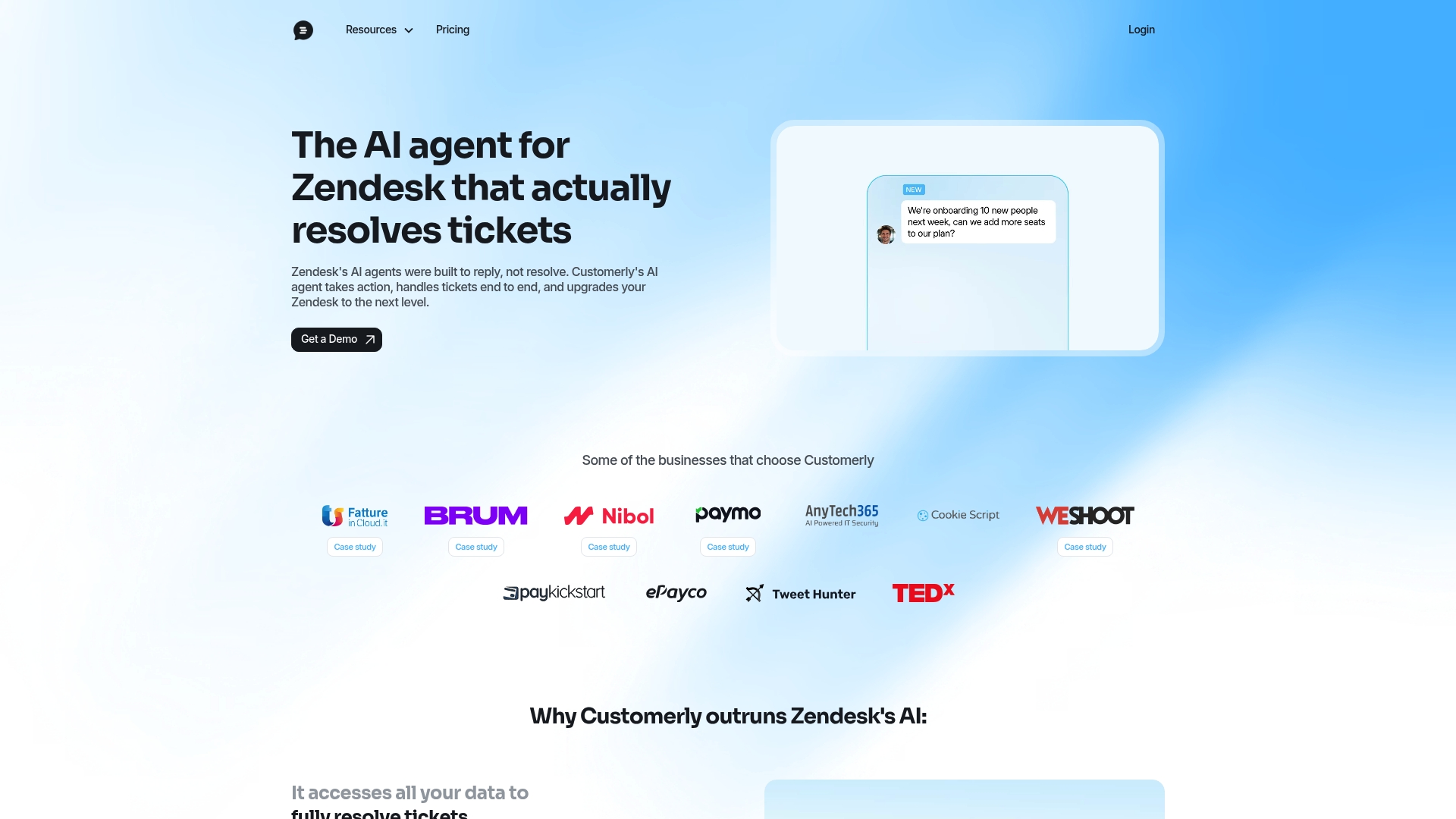
The product combines AI Live Chat, a Help Center, and Chatflows to guide customers through common interactions. An AI agent pulls from knowledge bases and databases to resolve tickets and escalate to humans when needed. The platform supports multichannel messaging across live chat, email, WhatsApp, Messenger, and mobile apps, and exposes APIs for custom workflows and intent based resolution.
Key Differentiator
Customerly positions its AI agent to resolve tickets using all available data sources rather than only serving FAQ content. That design reduces routine handoffs and keeps agents focused on complex cases. The vendor also frames escalation rules so the AI handles full ticket flows and calls in humans only for exceptions.
Pros
Automation reduces agent workload and shortens response times. The platform integrates with Zendesk and core systems, which preserves ticket history and routing while adding automated resolution. The feature set includes chat, help center content, surveys, analytics, and tools to build self-service paths. Customerly reports cost savings tied to automation, and the BRUM example above illustrates that claim.
Cons
- Customization can require technical expertise and engineering support for complex flows.
- Advanced AI features may need extra setup and may not cover every sophisticated use case.
- Pricing tiers and seat based billing can feel complex for very small teams with low support volume.
When It May Not Fit
Small teams that need a simple shared inbox without automation may find the plans heavier than necessary. Organizations lacking engineering resources will face a learning curve to implement deep customizations. Companies that need highly specialized AI behaviors should verify feature limits before committing.
Notable Integrations
- Zendesk
- APIs for custom connections and automation
- Mobile apps
Who It's For
Customer support teams and SaaS companies that want to scale support with automation will find this product relevant. Teams that need multichannel coverage and AI first routing will see the most benefit. Organizations with at least some engineering capacity will unlock advanced customization and integrations.
Real World Use Case
Customerly reports BRUM used the AI to qualify inbound leads and support inquiries automatically. That example produced the conversion and automation figures cited above and kept agents on higher value tasks. The case shows how conversational qualification and automated resolution can raise conversions while lowering human load.
Pricing
Plans start at $19 per seat per month for the Core plan. Higher tiers increase AI conversation volumes and add features, and billing is available monthly or annually. Check the vendor site for exact limits and included AI conversation counts.
Website: https://customerly.io
LiveAgent
At a Glance
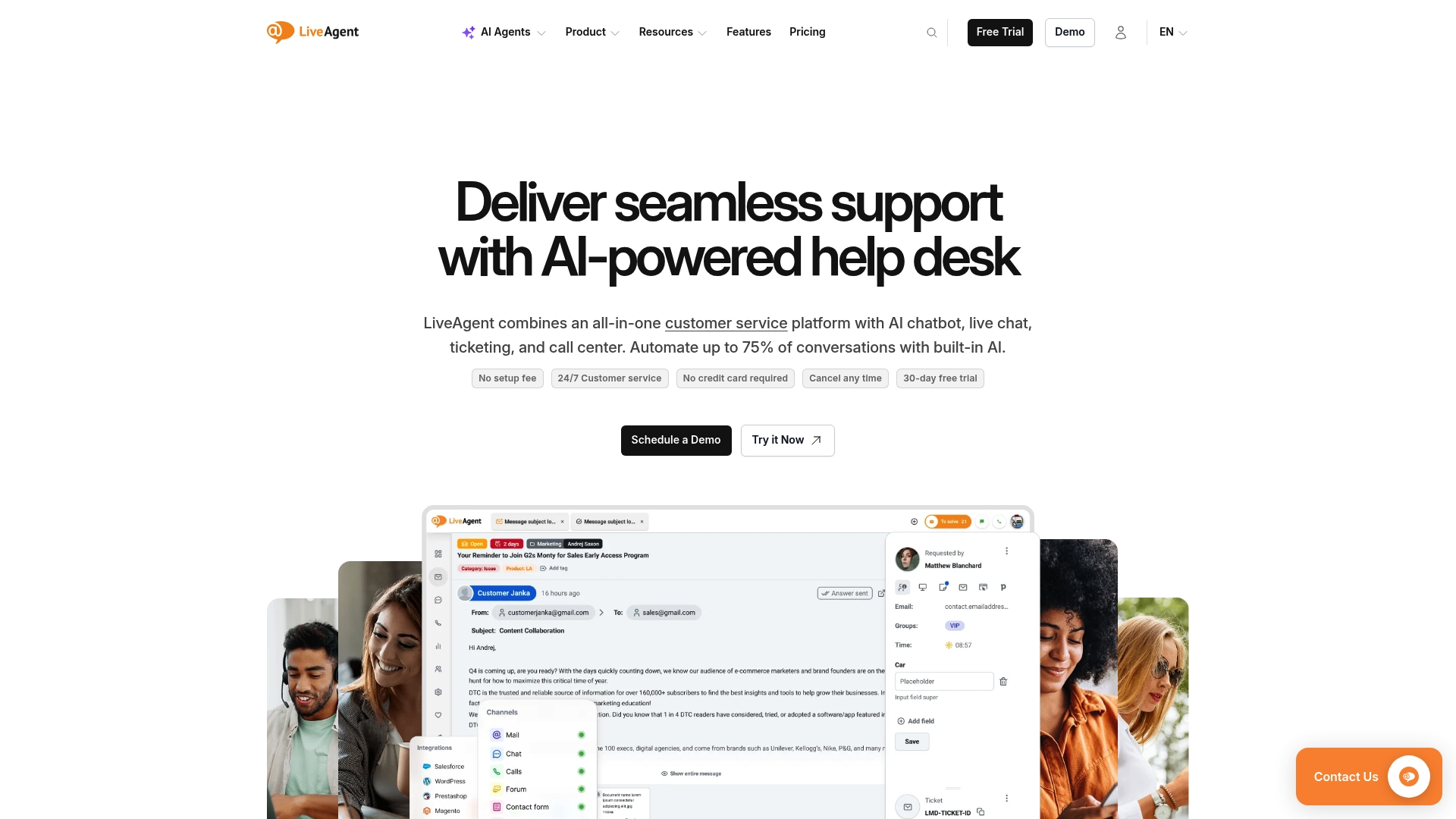
LiveAgent's marketing materials state it can automate up to 75% of conversations with AI. That claim highlights the platform's focus on automation across multiple support channels. The product advertises no setup fees and a free trial without a credit card.
Core Features
LiveAgent centralizes live chat, email ticketing, social media, and calls in an omnichannel customer service hub that agents access from one dashboard. It combines advanced ticket routing and a self-service knowledge base with AI chatbots and a built-in call center. Admin controls let teams customize workflows and scale across Small, Medium, Large, and Enterprise plans.
Key Differentiator
LiveAgent mixes AI automation with human agents inside a customizable multichannel dashboard. That mix aims to reduce routine workload by automating common queries while routing complex issues to staff. The platform emphasizes configurable agent workflows so automation and human coverage can coexist.
Pros
The vendor advertises high customer satisfaction scores and multiple awards. Built-in live chat, email ticketing, social media support, and a call center keep channels consolidated for agents. Scalability, AI automation, and no setup fee make it easier for teams to expand support capacity and shorten response times.
Cons
- May feel complex for very small teams or solo staff. Setup and daily workflows require more configuration than basic chat tools.
- Higher tier plans may be costly for large deployments. Pricing grows as you add agents and advanced features.
- Extensive feature set can overwhelm simple support needs. Teams wanting only a basic chat widget may find much unused functionality.
When It May Not Fit
If your support operation is a solo agent or a very small crew, LiveAgent can add unnecessary complexity. Organizations that only need a light chat widget without ticketing or calls will likely carry extra features they never use. Large deployments should budget for higher tier fees when advanced capabilities and many seats are required.
Who It's For
Customer service teams and support managers in SMBs and enterprises will get the most from LiveAgent. It fits groups that must unify email, social media, live chat, and calls under one dashboard. Teams planning to scale and to adopt AI automation will benefit from its combined feature set.
Real World Use Case
A retail company centralizes email, social mentions, and live chat in LiveAgent to reduce duplicate handling. AI chatbots handle common returns, tracking, and FAQs, matching that figure in vendor materials. Agents then focus on order exceptions and escalations, which improves response time and satisfaction.
Pricing
Pricing starts at $15 per agent/month billed annually. Tiered plans labeled Small, Medium, Large, and Enterprise add features and seats as needs grow.
Website: https://liveagent.com
Usersnap
At a Glance
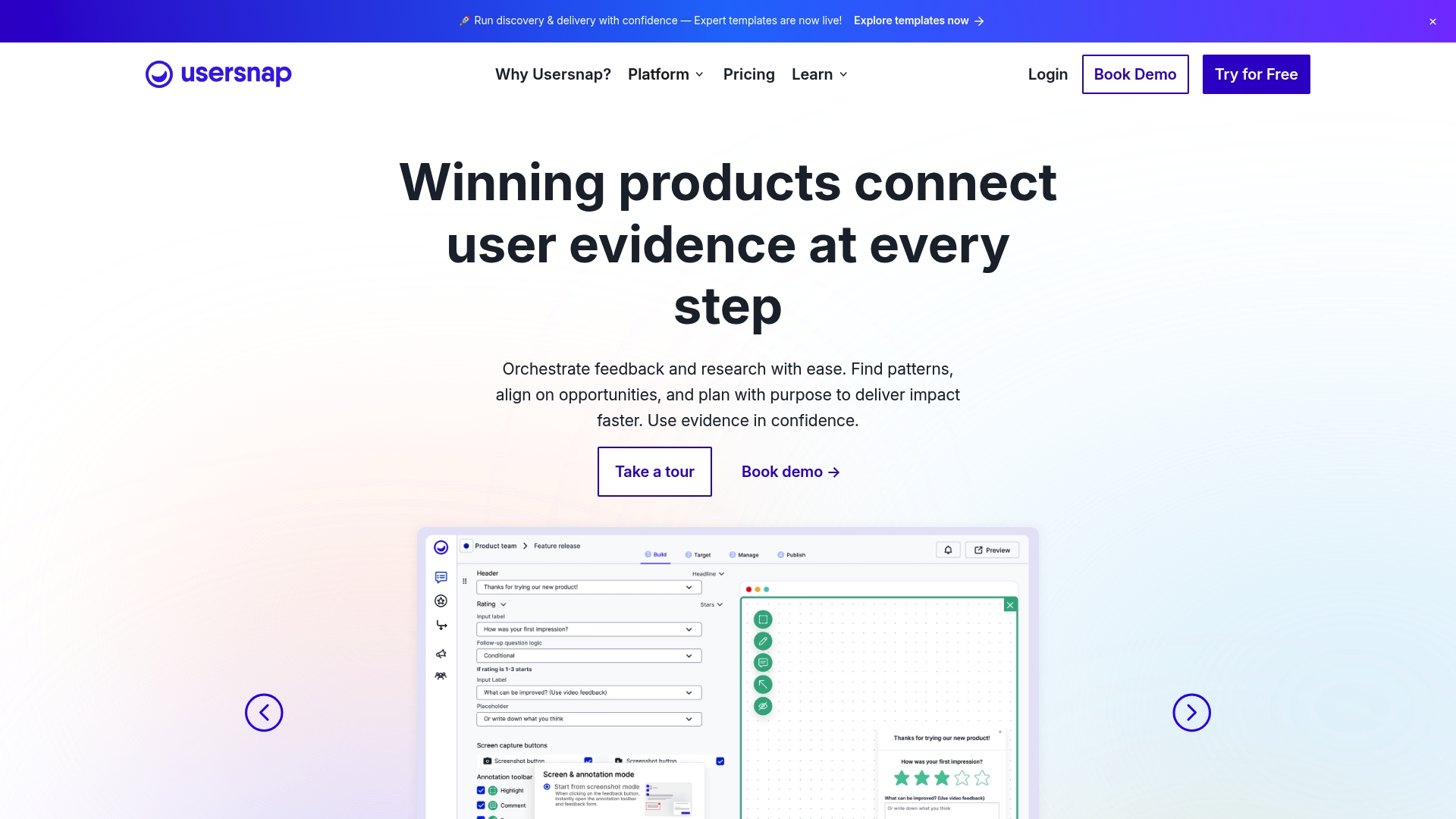
Usersnap reports an all-in-one visual feedback flow that combines screenshots, in-app surveys, and annotations in a single collection point. The product advertises AI analytics and sentiment detection to help prioritize recurring issues. Teams use those signals to move feedback into development tools and reduce back-and-forth.
Core Features
Usersnap captures annotated screenshots and metadata, collects in-app micro surveys, and stores voice recordings alongside written reports. The dashboard groups feedback with labels, Kanban-style workflows, and AI-assisted trend analysis. Exports to PowerBI or CSV and direct issue creation in development tools close the loop between support and engineering.
Key Differentiator
Usersnap positions itself as an all-in-one, full-cycle feedback platform that blends visual bug reporting with AI-driven categorization and many developer integrations. That combination aims to replace separate screenshot tools, survey vendors, and manual tagging workflows. The result is a single feedback stream that feeds support and product work directly.
Pros
Usersnap centralizes visual feedback and contextual metadata, which speeds reproduction and reduces ambiguous bug reports. Its integrations with issue trackers and chat tools let teams move items from feedback to backlog without manual copy and paste. The platform also supports branding and multi-language prompts, which helps product and support teams collect consistent input from global customers.
Cons
- Pricing can become complex for larger teams and enterprise feature needs.
- Advanced AI features are in beta and may require manual review of categories and scores.
- Some teams report a learning curve for advanced workflow setup and custom rules.
When It May Not Fit
If you need finalized AI categorization with no manual checks, Usersnap may frustrate you while beta features mature. Teams on a tight, predictable budget will find the tiering and add-ons harder to model than single-price chat tools. If you only need a lightweight feedback widget without workflows, this full workflow approach may feel heavier than necessary.
Notable Integrations
Usersnap connects directly to Jira, Slack, Zendesk, Azure DevOps, and GitHub. Those integrations create issues, push comments, and surface reports inside your existing development or support tools. Export options include CSV and PowerBI for offline analysis.
Who It's For
Product managers, support leads, and developers who need visual reproduction with structured triage will get the most value. Teams that already use Jira or GitHub benefit from direct issue creation. Organizations that require branded prompts and multi-language support will also find this useful.
Real World Use Case
A SaaS team embeds Usersnap in its app to capture customer screenshots and reproduction steps. The product routes high-scoring items to Jira while lower-priority feedback lands in a backlog column for product review. That flow shortens reproduction time and clarifies acceptance criteria for fixes.
Pricing
Usersnap offers a free tier starting at €0 and paid plans beginning at $49 per month for the Starter plan. Custom Enterprise pricing is available for advanced needs and larger seat counts. Evaluate anticipated seat counts to forecast total cost accurately.
Website: https://usersnap.com
Comparison of alternatives
Coevy distinguishes itself by combining session replays, logs, and AI-generated retro steps into a single workflow that expedites debugging and issue resolution for teams. Let’s examine how this offering compares with its competitors across distinct important dimensions.
AI-powered insights and workflow efficiencies
Coevy effectively enables automated tagging and retro-step generation from collected data linked to logs and session replays. These capabilities enhance task prioritization and incident handling for development teams. In contrast, Usersnap focuses more specifically on visual reporting but lacks the depth of workflow-enhancing tools Coevy integrates.
Multichannel communication consolidation
Chatwoot and LiveAgent both provide support teams with platforms suitable for unifying chat, email, voice, and social media messaging within a single dashboard. LiveAgent, in particular, accommodates expanded omnichannel communication setups, which teams focusing on scalability and multitiered communication models may find. Chatwoot benefits teams that value hosting flexibility and open-source architecture.
Best fit
- Teams demanding bug reproduction, coupled with detailed user observation insights for engineering resolutions, will derive significant value from Coevy.
- Operations requiring unified communication across various customer touchpoints can leverage LiveAgent for its all-in-one omnichannel dashboard.
- Companies that aim to adopt AI automation across ticket resolution workflows and lead qualifications could find Customerly an apt choice.
- For groups needing visual feedback with contextual metadata integration directly into issue trackers, Usersnap provides practical solutions.
Our pick
Coevy emerges as the recommended choice for teams prioritizing detailed in-app feedback reporting combined with automation capabilities that expedite engineering outcomes. This tool's ability to integrate session captures and retroactive steps into direct support tickets sets it apart. However, scenarios lacking the necessary resources for engineering-focused implementation could consider alternatives such as Chatwoot or LiveAgent for tailored communication needs.
This table outlines key differences among in-app support and feedback tools to help teams find solutions that align with their feature and deployment needs.
| Product | Core Feature | Key Differentiator | Best For | Pricing | Notable Limitation |
|---|---|---|---|---|---|
| Coevy | Feedback widget with session replay and AI retro steps | Auto-generated retro steps and AI ticket tagging | Growth-stage product teams | Price not published | AI code-reading support in preview |
| Chatwoot | Omnichannel messaging inbox | Open source self-hosted option | Medium to large support teams | Starts at $19/agent/month | Self-hosting requires technical support knowledge |
| Customerly | AI Live Chat and multichannel messaging | AI resolves tickets using all data sources | Automation-focused customer support | Starts at $19/seat/month | Customizing complex workflows may require technical setup |
| LiveAgent | Omnichannel customer service with automation | Unified dashboard combining AI and human workflows | Scalability-focused SMBs and enterprises | Starts at $15/agent/month | Advanced workflows may feel complex for very small teams |
| Usersnap | In-app screenshots and feedback triage | Visual feedback tool with developer integrations | SaaS product teams using Jira/GitHub | Starts at $49/month | AI categorization features are still in beta |
Why Choose Coevy as a Top tawk.to Alternative
Product teams and developers often struggle with scattered feedback tools that lack session context and make bug reproduction slow. Coevy solves this by embedding an all-in-one widget that captures user feedback, session replays, logs, and AI-generated reproduction steps inside your app. This cuts down manual work and gets clearer, actionable reports directly to engineers.
Coevy's GDPR-compliant design and AI tagging prioritize tickets automatically to help teams focus on what matters most. For growth-stage companies and SaaS support teams seeking a scalable, integrated tool beyond basic chat widgets, Coevy provides richer, faster bug resolution without juggling multiple apps.
Explore Coevy’s features and see how you can reduce the back-and-forth in customer feedback and support. Visit Coevy.com to request early access and improve your feedback workflows with AI-powered ticketing today.

FAQ
How does Coevy support in-app feedback and session replay?
Coevy captures customer feedback alongside session replay data within a single mixed-use widget. It combines feedback, logs, and AI-generated retro steps to enhance context for product teams. Teams can use this feature to streamline bug reporting and enhance user insights.
What is the difference between Coevy and Chatwoot?
Chatwoot provides a self-hosted option that allows organizations to keep raw conversation data in-house, which is ideal for teams prioritizing data control. In contrast, Coevy focuses on embedding a feedback widget to streamline context for product teams needing integrated solutions without extensive setup.
Which platform allows for automated retro steps in feedback reporting?
Coevy generates AI-driven retro steps attached to feedback reports and creates pre-triaged tickets with AI tagging. This feature helps product teams spend less time reproducing and prioritizing bugs.
Can I use Coevy if my team needs GDPR compliance?
Yes, Coevy advertises GDPR-compliant data handling, making it suitable for teams that require privacy controls, such as field masking and IP anonymization. This allows teams to capture user feedback while adhering to strict compliance regulations.
Does Coevy offer integration with development tools?
Coevy integrates its feedback and session replay directly into workflows, reducing the manual work associated with traditional tools. Teams can expect smoother collaboration between support and development as a result.