A source code integrated AI assistant is an AI system embedded directly inside your development environment that uses your project's actual repository context to assist with coding, debugging, test generation, and workflow automation without switching tools. Unlike a standalone chatbot, these assistants operate within IDEs like Visual Studio, VS Code, or JetBrains, reading open files, terminal output, and repository structure in real time. Tools like GitHub Copilot Chat, JetBrains AI, and the open-source Skycode represent the current state of this category. The result is a fundamentally different class of AI coding tool, one where the model knows your codebase rather than guessing at it.
What is a source code integrated AI assistant?
A source code integrated AI assistant is embedded in the IDE and uses repository context to perform code fixes, test generation, and explanations without leaving the workspace. The term you will encounter in engineering documentation is "agentic coding assistant" or "IDE-integrated AI agent," and both refer to the same architecture. The keyword phrase "source code integrated" captures the defining characteristic: the AI has direct, structured access to your actual code, not a description of it.
This matters because most AI tools you interact with outside an IDE operate on text you paste into a prompt. A source code integrated assistant reads your files, understands your project structure, and tracks the state of your terminal. Microsoft's Visual Studio documentation describes GitHub Copilot Chat as a fully integrated AI chat experience inside Visual Studio IDE that provides code suggestions and unit tests. That integration is not cosmetic. It changes what the model can do.

Skycode, an open-source fork of VS Code, illustrates how deep this integration can go. Its AI agent includes 30+ tools for code editing, semantic search, diagnostics, and command execution directly inside the editor. That is not a plugin sitting on top of an editor. It is an AI system woven into the editor's core functionality.
How source code integrated AI assistants work
The pipeline powering these assistants runs through five distinct stages: context retrieval, tokenization and model inference, tool calls, verification, and response generation. Understanding each stage explains why these tools behave so differently from a general-purpose chatbot.
Context retrieval. The assistant collects open files, recent terminal output, error diagnostics, and repository metadata. Tools like repoDNA formalize this step by generating assistant-context files read at the start of every session, enabling local and cloudless operation with up-to-date workspace awareness.
Tokenization and model inference. The collected context is tokenized and sent to a language model running on GPU infrastructure. The model does not see your raw files. It sees a structured prompt assembled from retrieved context, which is why context quality directly determines output quality.
Tool calls. After inference, the assistant executes tool calls: reading or writing files, running build commands, executing tests, or querying a semantic code index. Skycode's agent, for example, can run build and test commands as part of a single task without any manual intervention.
Verification. The assistant checks its own output against diagnostics, test results, or linting rules before presenting a suggestion. This step is what separates a capable integrated assistant from a basic autocomplete engine.
Response generation. The verified output is formatted as a code diff, inline suggestion, or chat response inside the IDE. The developer reviews and applies it without leaving their workspace.
Pro Tip: The power of these assistants lies in the system architecture, including multi-model orchestration, retrieval, caching, tool use, and verification, not just the language model itself. Optimizing your repository structure and keeping context files current will improve output quality more than switching to a different model.
Key capabilities that change how developers work
Source code integrated AI assistants deliver capabilities that go well beyond autocomplete. The most significant ones are worth examining individually because each addresses a distinct friction point in the development workflow.
Real-time context-aware suggestions. The assistant reads your current file, related modules, and recent errors simultaneously. GitHub Copilot Chat inside Visual Studio can explain a selected function, suggest a fix, and generate a unit test for it in a single interaction, all with full awareness of the surrounding codebase.
Automated bug fixes and test generation. Integrated assistants can generate tests for .NET, C++, Python, and other languages by reading existing test patterns in your repository. They do not generate generic tests. They mirror your project's conventions.
Long-running agent sessions. GitHub Copilot and JetBrains IDEs now include agent session management that tracks task progress, tool calls, and provides summaries, enabling complex multi-step tasks within a single IDE session. This is the feature that moves these tools from "assistant" to "agent."
Auto-approval and lifecycle hooks. The February 2026 Copilot Chat update added auto-approval commands and lifecycle hooks for automating repetitive approval steps in agentic workflows. Developers can now define which commands run without manual confirmation, reducing interruptions during long tasks.
Multi-model orchestration. Enterprise-grade implementations route different subtasks to different models. A fast, small model handles inline completions while a larger model handles architectural reasoning or test generation. This keeps latency low without sacrificing quality on complex tasks.
The productivity impact of these capabilities is not theoretical. Teams using codebase-aware AI tools report measurable reductions in time spent on repetitive debugging and boilerplate generation, freeing engineers for higher-order design work.
Integrated AI assistants vs. traditional AI coding tools
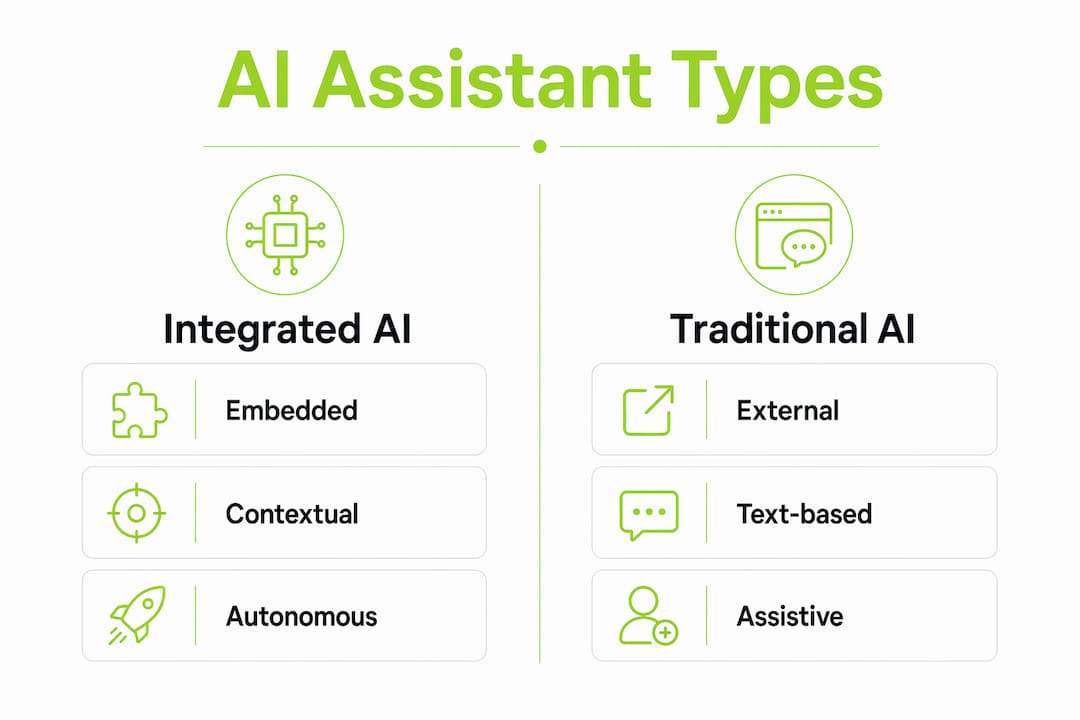
The distinction between a source code integrated assistant and a traditional AI coding tool is architectural, not cosmetic. Here is how the two categories compare across the dimensions that matter most to development teams.
| Dimension | Source code integrated assistant | Traditional AI coding tool |
|---|---|---|
| Deployment | Embedded inside IDE core | Browser extension or external chatbot |
| Context access | Live repository, terminal, diagnostics | Pasted code snippets only |
| Autonomy | Can execute tool calls and run commands | Responds to prompts, no execution |
| Session memory | Persistent within workspace session | Resets with each conversation |
| Verification | Built-in output checking against tests/linting | None; developer verifies manually |
| Security model | Sandboxed command execution within IDE | No execution, lower risk surface |
The autonomy gap is the most consequential difference. Google Cloud defines AI agents as autonomous systems that pursue goals independently, while AI coding assistants are less autonomous and typically require user direction. The best source code integrated assistants sit between these two poles. They execute multi-step tasks autonomously but within guardrails you define, such as which commands require approval and which run automatically.
Security implications follow directly from this architecture. A deeply integrated assistant that can execute terminal commands needs sandboxing and permission controls. Teams adopting these tools should audit which tool calls are enabled and configure auto-approval rules conservatively before expanding permissions.
Best practices for using source code integrated AI assistants
Getting consistent, high-quality output from an integrated AI assistant requires deliberate setup. The model is only as good as the context it receives, and assistant failures most often arise from limited available context, stale information, or inadequate verification rather than model reasoning errors.
Pro Tip: Before starting a long agent session, open the files most relevant to your task and run a fresh build so the assistant has current diagnostics. Stale error state is one of the most common causes of poor suggestions.
The practices below address the most frequent failure modes:
Keep context files current. If your team uses a tool like repoDNA or a custom assistant-context file, update it whenever the repository structure changes significantly. An assistant reading a three-month-old context file will make suggestions that conflict with your current architecture.
Define tool permissions explicitly. Use your IDE's agent configuration to specify which commands run automatically and which require confirmation. Start with confirmation required for all commands, then relax permissions only for commands you have validated as safe.
Verify AI-generated code against your test suite. Never merge an AI-generated change without running your full test suite. The assistant's built-in verification catches many errors, but it cannot know about integration behaviors that only surface at runtime.
Use custom prompts for domain-specific conventions. GitHub Copilot and JetBrains AI both support custom instruction files that tell the assistant about your team's coding standards, preferred libraries, and architectural patterns. A well-written custom prompt reduces the volume of suggestions you need to reject.
Monitor context window consumption. Long agent sessions accumulate context rapidly. When a session starts producing inconsistent suggestions, it is often a sign that the context window is saturated. Starting a fresh session with a focused context file resolves this more reliably than continuing the same session.
Understanding how to use AI source code tools effectively is as much about workflow design as it is about the tools themselves. The teams that get the most value from integrated assistants treat context management as a first-class engineering concern.
Key takeaways
A source code integrated AI assistant delivers value through context-rich architecture, not model size alone, and teams that manage context deliberately will consistently outperform those that do not.
| Point | Details |
|---|---|
| Definition is architectural | These assistants are embedded in the IDE with live repository access, not external chatbots. |
| Pipeline drives quality | Context retrieval, tool calls, and verification determine output quality more than the model itself. |
| Session management is the frontier | Agent session tracking in GitHub Copilot and JetBrains enables complex, multi-step autonomous tasks. |
| Context freshness is critical | Stale repository context causes more failures than model reasoning errors. |
| Permission controls are non-negotiable | Auto-approval rules and sandboxed execution must be configured before enabling agentic workflows. |
Why the shift from chatbot to agent changes everything
I have watched the AI coding assistant category evolve from glorified autocomplete to genuine task execution, and the inflection point was not a better language model. It was session memory and tool orchestration. When GitHub Copilot introduced unified session views in JetBrains IDEs, it was not a UI improvement. It was an acknowledgment that developers were running tasks long enough to need progress tracking.
What I find underappreciated is the role of local context files. Most teams I have seen adopt these tools focus entirely on which model to use and ignore the context layer entirely. That is backwards. A well-structured context file fed to a mid-tier model will outperform a poorly contextualized prompt sent to the best model available. The codebase-aware AI support framing matters because it forces teams to think about what the AI actually knows, not just what it can theoretically do.
The next meaningful shift will be tighter integration with build and test systems. Right now, most assistants verify output against static linting rules. When they can close the loop against a full CI pipeline, the verification step becomes genuinely reliable. Until then, treat the assistant's verification as a first pass, not a final check. The developers who get burned by AI-generated code are almost always the ones who skipped their own test suite because the assistant said it looked good.
— Dizzy
How Coevy connects AI to your actual source code
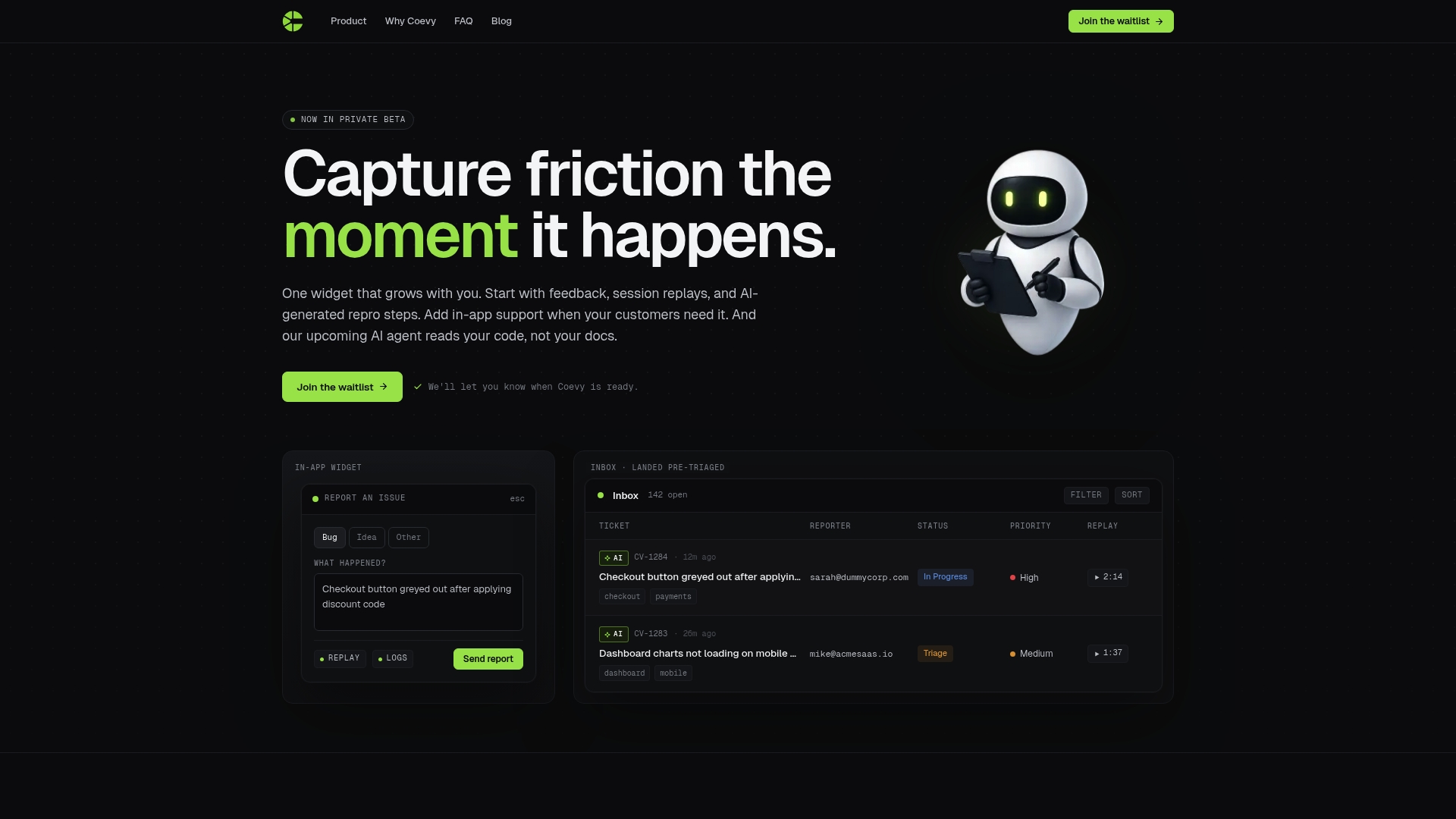
Coevy is built for software teams that need AI support grounded in real code, not generic documentation. Its upcoming AI agent reads your actual codebase to deliver precise answers and debugging assistance tied directly to your application logic. For dev teams already working with source code integrated AI assistants inside their IDEs, Coevy extends that context-aware intelligence into customer support and bug resolution workflows. When a user reports an issue, Coevy attaches session replays and AI-generated reproduction steps automatically, so your team spends less time reproducing bugs and more time fixing them. Explore Coevy to see how source code awareness changes the quality of every support interaction.
FAQ
What is a source code integrated AI assistant?
A source code integrated AI assistant is an AI system embedded inside an IDE that uses live repository context, open files, and terminal state to provide code suggestions, automated fixes, and test generation without leaving the development environment. GitHub Copilot Chat and JetBrains AI are the most widely deployed examples.
How does it differ from a regular AI chatbot?
A regular AI chatbot operates on text you paste into a prompt and has no access to your repository or execution environment. A source code integrated assistant reads your actual files, runs tool calls, and verifies output against diagnostics, giving it far more accurate and project-specific responses.
What causes integrated AI assistants to produce poor suggestions?
Assistant failures most often arise from stale or incomplete context rather than model errors. Keeping repository context files current and running a fresh build before long agent sessions resolves the majority of quality issues.
Are source code integrated AI assistants the same as AI agents?
Not exactly. Google Cloud distinguishes AI agents as fully autonomous goal-pursuing systems, while integrated coding assistants typically require user direction for major decisions. The best current tools sit between the two, executing multi-step tasks autonomously within developer-defined permission boundaries.
Is it safe to let an integrated AI assistant execute terminal commands?
It is safe when configured correctly. Tools like GitHub Copilot support sandboxed command execution and auto-approval rules that limit which commands run without confirmation. Teams should start with confirmation required for all commands and expand permissions only after validating specific command sets as safe.