
Session replay is defined as a technology that reconstructs user sessions as interactive, video-like playbacks by capturing and replaying Document Object Model (DOM) mutations, clicks, scrolls, keystrokes, and network requests. Understanding what is session replay for developers goes beyond watching a recording. It means having a synchronized, inspectable artifact that ties frontend behavior to console errors, network calls, and application state. Unlike traditional logs or screen recordings, session replay gives you the exact sequence of events that led to a bug, with full context attached. GDPR compliance and PII masking are built-in requirements, not optional extras.
What is session replay for developers, technically?
Session replay is not a simple video recording. It is a dynamic DOM reconstruction that captures every UI state change and replays it in a sandboxed browser environment. The result looks like a video, but it is actually a serialized sequence of DOM snapshots and incremental mutations that can be paused, scrubbed, and inspected like a live page.
Client-side SDKs sit at the core of this architecture. They intercept browser events using MutationObserver APIs, capturing every DOM change as it happens. The SDK serializes these mutations along with timestamps, then ships them to a backend for storage and reconstruction. The playback engine re-renders the DOM in an isolated iframe, replaying mutations in order.
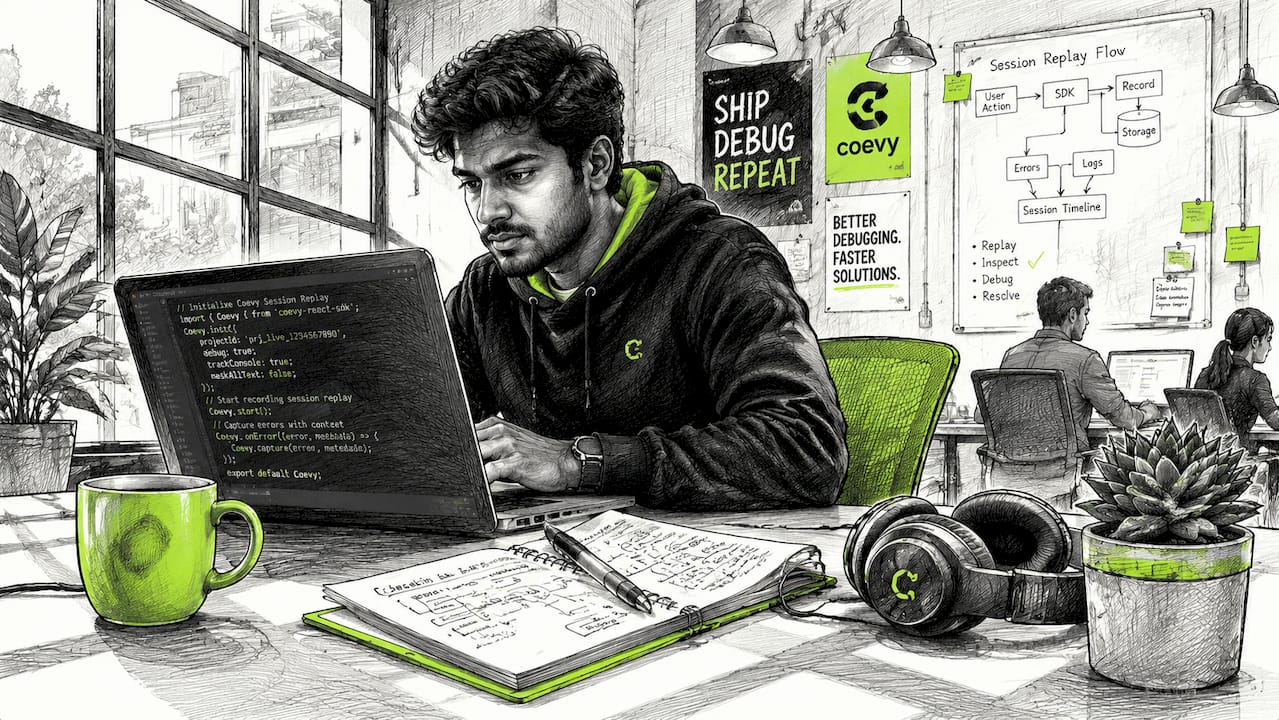
Session replay captures mouse movements, clicks, scrolls, page navigation, and form inputs as DOM mutations tied to a session ID. That session ID is the thread connecting frontend events to network requests, console errors, and backend traces. Every event in the session shares the same identifier, so you can correlate a JavaScript exception with the exact user interaction that triggered it.
The key technical distinction from screen recording is fidelity and inspectability. A screen recording is a pixel-level video. A session replay is a structured, queryable data artifact. You can inspect element styles, check computed CSS, and examine the DOM tree at any point in the session.
Pro Tip: When evaluating session replay tools, confirm that the playback engine supports CSS-in-JS frameworks like styled-components or Emotion. Some tools render these incorrectly, producing a broken visual that misrepresents the actual user experience.
What are the key developer benefits of session replay?
Session replay reduces MTTR by about 30% for engineering teams. That number reflects a structural change in how bugs get diagnosed. Instead of piecing together fragmented logs and asking users to reproduce issues, developers watch the exact sequence of events that caused the failure.
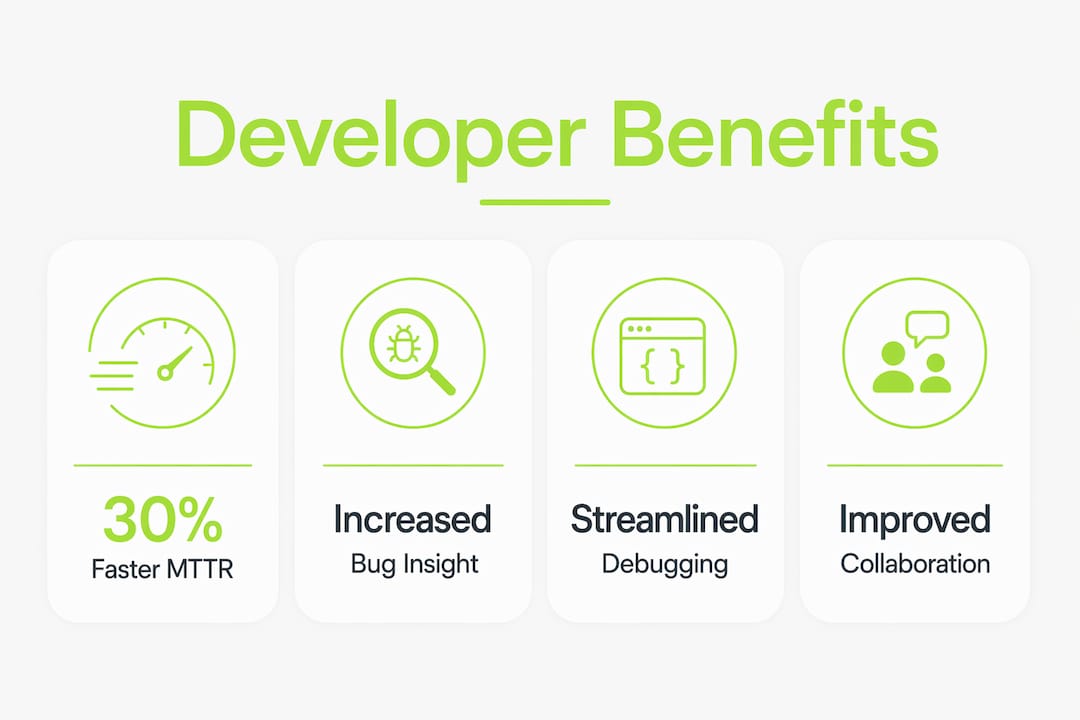
The most direct benefit is precise bug reproduction. Race conditions, timing-dependent UI bugs, and state management failures are notoriously hard to reproduce from a stack trace alone. Session replay shows you the exact interaction sequence, the network response timing, and the JavaScript error in one synchronized view.
Here are the core debugging use cases where session replay delivers the most value:
- Reproducing UI bugs reported by users who cannot describe what they clicked or when the error appeared.
- Tracking race conditions by correlating network request timing with DOM state changes at the moment of failure.
- Validating fixes by watching post-deployment sessions to confirm the bug no longer occurs under real user conditions.
- Diagnosing form abandonment by seeing exactly where users drop off and whether a validation error or layout issue caused it.
- Identifying JavaScript exceptions by jumping directly to the frame where a console error fired and inspecting the DOM state at that moment.
"Effective developers treat session replay as an interactive debugging workbench, not just video playback. Viewing replays passively is far less effective than using embedded DevTools within the replay to debug complex UI and JavaScript issues."
The shift from passive viewing to active inspection is what separates teams that get real value from session replay and teams that treat it as a curiosity. Advanced tools enable time-travel debugging with full stack trace correlation, letting you jump to any point in the session and inspect the live DOM state.
How do session replay tools handle privacy and compliance?
Session replay captures real DOM contents, which means it can capture passwords, personal data, and sensitive form inputs if masking is not configured correctly. GDPR mandates controlled data capture and anonymization. Developers carry the responsibility for configuring masking rules before deploying any session replay SDK to production.
The standard approach uses CSS selectors or HTML attributes to mark fields as sensitive. Most SDKs support an data-private or data-mask attribute that tells the capture engine to replace field contents with placeholder characters. Passwords are masked by default in well-built tools, but custom input fields, credit card numbers, and personally identifiable information fields require manual configuration.
Key privacy safeguards developers must verify before going live:
- Default mask coverage. Confirm that the SDK masks password fields, credit card inputs, and any field containing PII by default. Active privacy configuration is required because default masks may not cover all sensitive data.
- IP anonymization. Verify that the tool truncates or hashes IP addresses before storage to comply with GDPR's definition of personal data.
- Data encryption. Session data should be encrypted in transit and at rest. Confirm the tool's encryption standards before storing sessions containing any user interaction data.
- Sandboxed playback. The replay environment must not make live network requests or execute scripts from the original page. A sandboxed iframe prevents data leakage during playback.
- Data retention policies. GDPR requires that personal data is not stored longer than necessary. Configure retention windows to match your privacy policy.
Pro Tip: Run a test session after configuring masking rules and inspect the raw session payload before it leaves the browser. Most SDKs expose a debug mode that shows exactly what data is being captured. This is the only reliable way to confirm your masking configuration works as intended.
How can developers integrate session replay into their debugging workflow?
Linking session replay IDs to bug tickets is the single most effective workflow change a team can make. When a user reports a bug, the support ticket should contain a direct link to the session replay from that interaction. That link eliminates the back-and-forth of asking users to reproduce issues and gives the developer immediate visual context.
The integration pattern is straightforward. The session replay SDK generates a unique session ID on page load. Your error tracking tool, whether Sentry, Datadog, or a custom logger, should capture that session ID as metadata on every error event. When an error fires, the session ID travels with it to your bug tracker, creating a direct link between the error report and the replay.
The table below shows how session replay fits into different layers of a standard observability stack:
| Observability layer | Without session replay | With session replay |
|---|---|---|
| Frontend errors | Stack trace only | Stack trace plus DOM state at error time |
| Network failures | HTTP status codes | HTTP status codes plus user action that triggered the request |
| Support tickets | User description | Direct replay link with full interaction context |
| Performance issues | Metrics and timings | Metrics correlated with exact user interaction sequence |
Combining session replay with application performance monitoring (APM) and structured logging creates a complete observability picture. APM tells you a request was slow. Session replay shows you what the user was doing when it happened and how the UI responded. Structured logs fill in the backend context. Not all session replay tools provide this level of full-stack correlation. Developer-focused tools capture frontend, backend, and network telemetry correlated to user interactions, while UX-focused tools often stop at the visual layer.
Platforms like Coevy take this integration further by attaching session replay data automatically to support tickets and automated error reports, so developers receive full context without any manual linking. Coevy also generates AI-powered reproduction steps from session data, reducing the time between bug report and fix.
Key Takeaways
Session replay is the most direct path from a user-reported bug to a reproducible, inspectable failure state in your application.
| Point | Details |
|---|---|
| DOM reconstruction, not video | Session replay serializes DOM mutations for inspectable playback, not pixel-level recording. |
| 30% MTTR reduction | Correlated replay data cuts debugging time by linking frontend events to errors and network calls. |
| Privacy configuration is mandatory | Default masks rarely cover all PII; developers must verify masking rules before production deployment. |
| Link replays to bug tickets | Attaching session IDs to error events and support tickets eliminates manual reproduction steps. |
| Active debugging beats passive viewing | Use embedded DevTools within the replay environment to inspect DOM state and stack traces live. |
Session replay changed how I think about frontend debugging
The first time I watched a session replay of a bug I had spent two days trying to reproduce, I felt equal parts relieved and embarrassed. The user had triggered a specific sequence of interactions in under 30 seconds that I had never thought to test. The replay showed it in full. Two days of log-reading, gone.
The cultural shift is harder than the technical setup. Most teams install a session replay SDK and then check replays only when a critical bug surfaces. That passive approach captures maybe 20% of the tool's value. The teams that get the most out of session replay treat it the way they treat their error tracker: they check it daily, they link every ticket to a replay, and they use it to validate fixes before closing issues.
Privacy is the area where I see the most complacency. Developers configure the SDK, check that passwords are masked, and move on. The problem is that custom components, third-party widgets, and dynamically rendered fields often fall outside default masking rules. A rigorous review of your masking configuration is not a one-time task. Every time you add a new form or input component, that configuration needs a review.
Session replay also does not replace your other tools. It complements them. A replay without correlated logs is a visual with no explanation. Logs without a replay are an explanation with no visual. The combination is what makes debugging fast. Use session replay as the entry point, then drill into your APM and log data for the full picture.
— Dizzy
How Coevy fits into your session replay workflow
Developers who want session replay built directly into their support and feedback workflow should look at what Coevy offers. Coevy embeds session replay, user feedback collection, and AI-generated bug reproduction steps into a single widget that lives inside your web app.

Every bug report submitted through Coevy automatically attaches the session replay from that interaction, along with console errors and network context. You do not need to ask users to describe what happened. Coevy captures it at the moment it occurs. The platform is GDPR-compliant with configurable field masking and IP anonymization built in. For teams that want to connect support ticket workflows to session data without building custom integrations, Coevy handles the plumbing automatically.
FAQ
What is session replay software?
Session replay software captures user interactions as DOM mutations and reconstructs them as interactive, inspectable playbacks. It differs from screen recording by providing structured, queryable data rather than pixel-level video.
How does session replay work technically?
A client-side SDK intercepts browser events using MutationObserver APIs, serializes DOM changes with timestamps, and ships them to a backend. The playback engine re-renders the DOM in a sandboxed iframe, replaying mutations in sequence.
Does session replay violate GDPR?
Session replay does not violate GDPR when configured correctly. Developers must mask PII fields, anonymize IP addresses, encrypt session data, and set appropriate data retention windows before deploying to production.
What is the role of session replays for solo developers?
Solo developers benefit most from session replay as a replacement for user interviews and manual reproduction. A single replay of a reported bug provides more context than a detailed written description, saving hours of back-and-forth.
How do I link session replay to bug tracking?
Capture the session ID generated by the replay SDK and attach it as metadata to every error event in your error tracker. This creates a direct link from any bug ticket to the exact session replay where the failure occurred.